CUSTOMER / CRM
Customer management
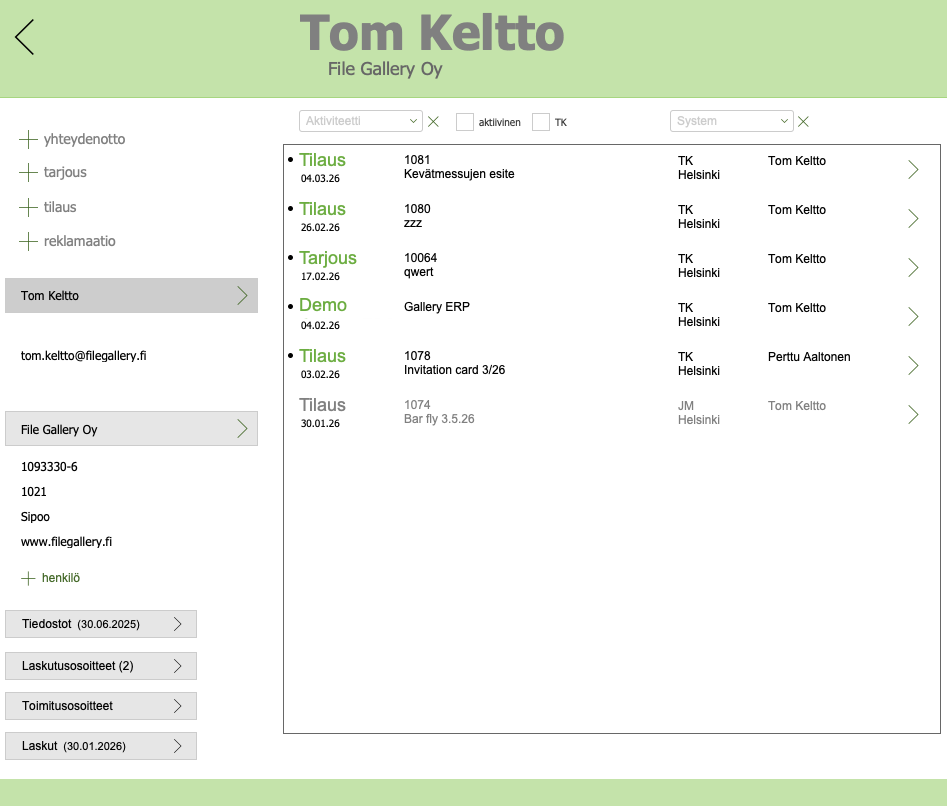
At a glance, you can see the contacts, offers, orders and invoices you have made, and monitor their status.
- company information
- personal information
- segmentation
- sampling
- contact actions
- offers
- orders
- complaints
- invoices
- files, e.g. PDF and Excel
- invoicing addresses
- delivery addresses
- customer’s own stock products with balances
- customer information in Excel
- delivery ban
Contact Actions
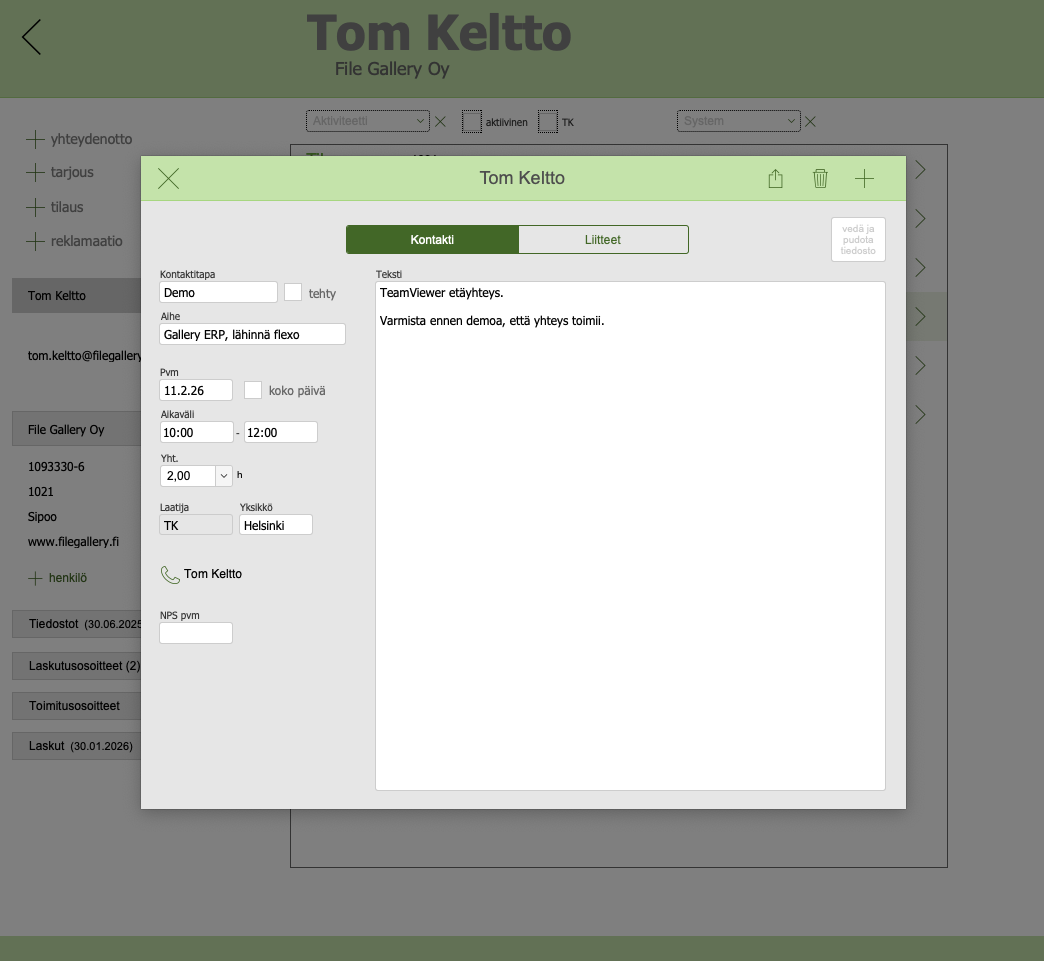
Contacts are recorded in an easy and simple way in Gallery. The entire organization benefits when contacts are available to everyone. This is especially emphasized when, for example, a salesperson falls ill or is on vacation.
- contact method (call, meeting, memo, etc.)
- active / done
OFFERS
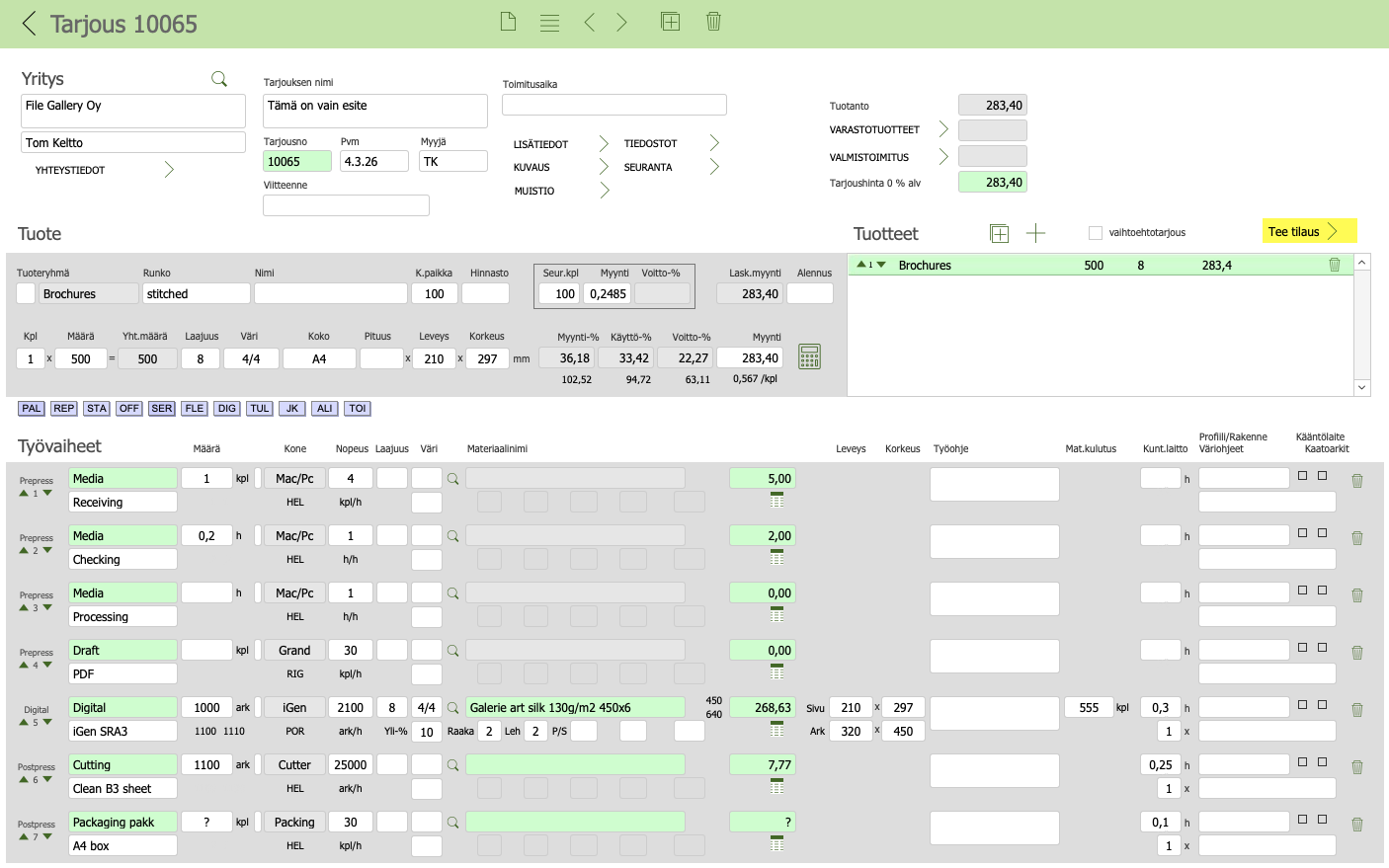
Flexible, fast and easy
With Gallery pricing you avoid wild pricing. It is consistent and based on the costs of your own work, materials and subcontracting.
- one form, one view
- clear margin calculations
- easy to pick up ready-made product templates from the product register
- subcontracting requests for quotations in PDF
- several products in the same quotation
- alternative quotation according to material, scope and size
- stock products (supplies) can be offered in the same quotation
- environmental certificates are taken into account
- duplicate of old quotation
- quote directly in PDF
- files, e.g. requests for quotations
- “call back” tracking
ORDERS
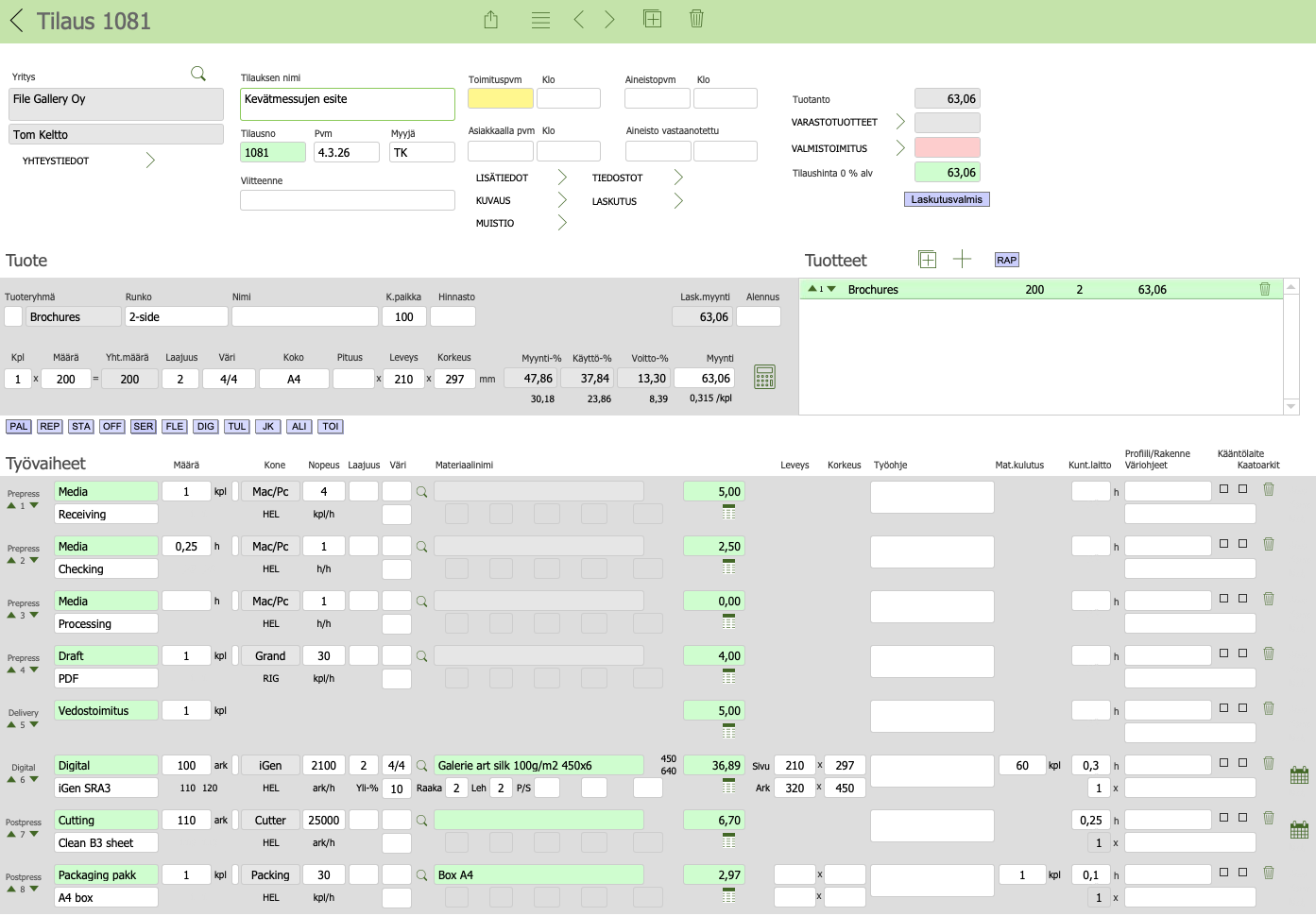
Managing orders
- one form, one view
- order from quote
- order can also be placed directly, without a quote
- completed with delivery information and work instructions
- print jobs are picked from the product register for the order
- several products in the same order
- possible to pick stock products for the order
- duplicate old order
- order confirmation
- pallet label for the warehouse
- quality control form
- order approval, invoice template is created
PRODUCTION
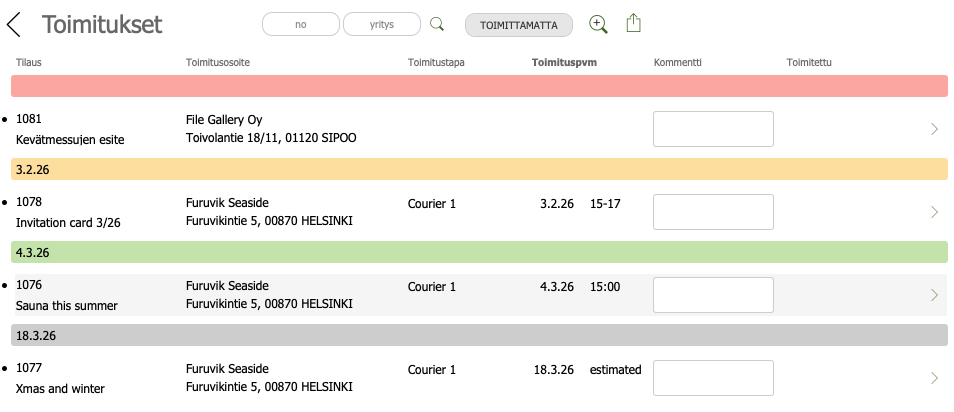
Production planning / monitoring
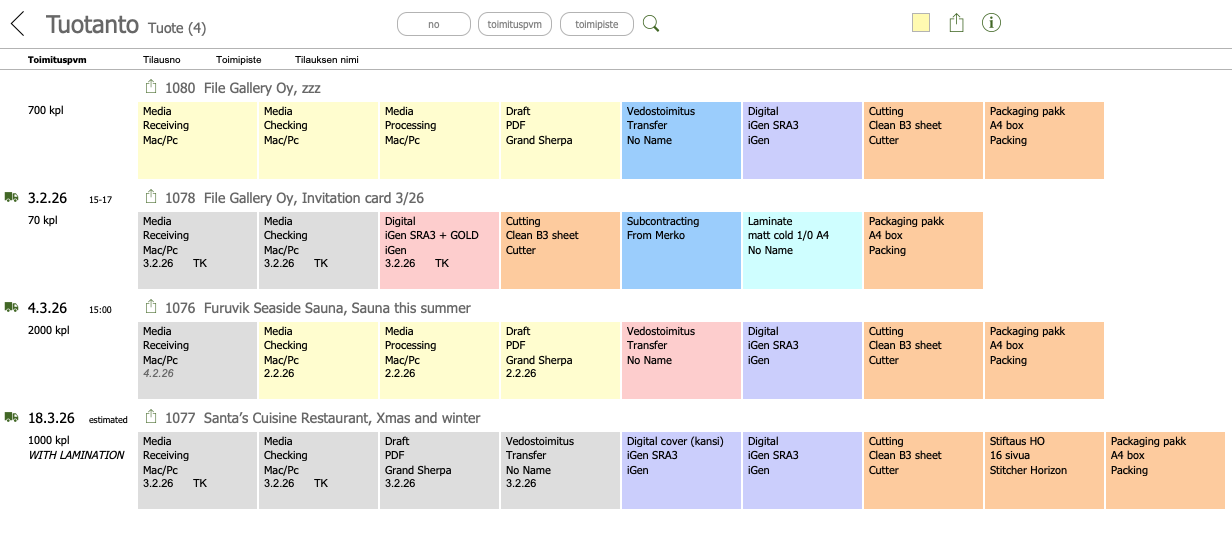
Many different ways to plan and monitor production. It depends a lot on the size of the printing house and the type of production. For example, digital printing is fast-paced, while packaging production requires longer-term planning.
- production calendar
- production list from the perspective of products
- production list from the perspective of machines
|
|
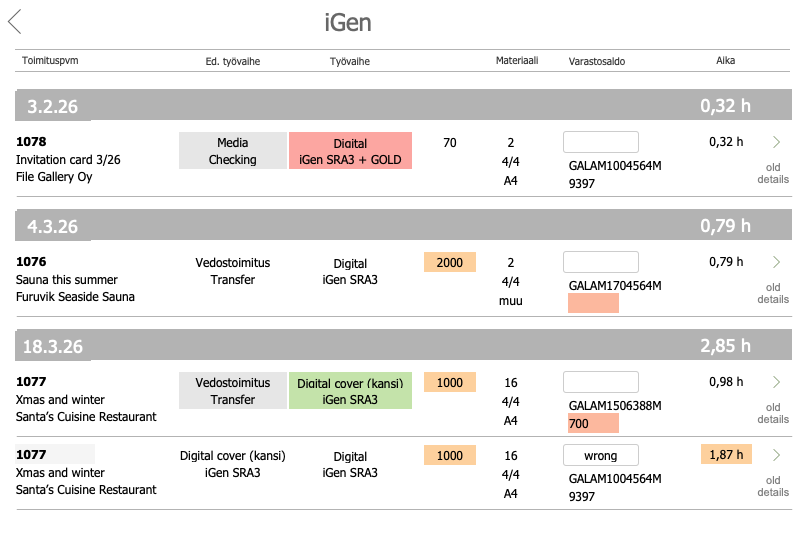
Production reporting
- report working hours
- stock removal
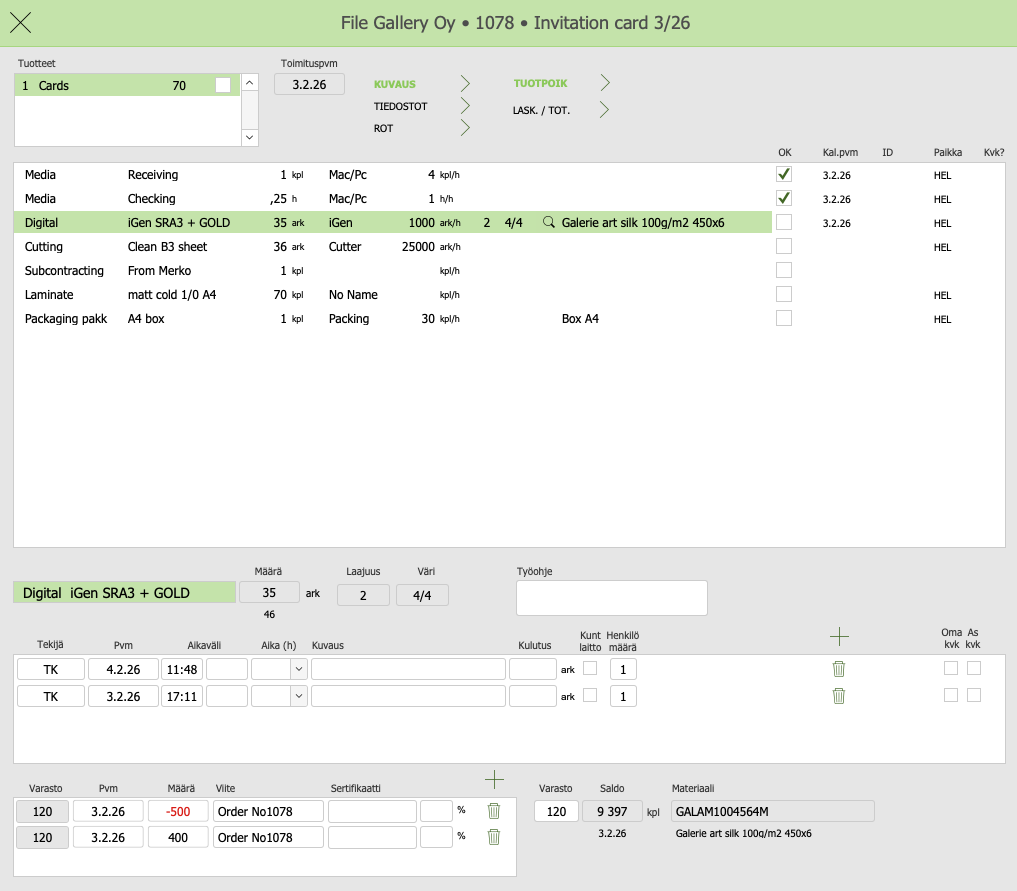
Production deviations
- report production deviation
- color defect, paper defect, electrical defect, incomplete work order, etc.
- if necessary, attach a photo of the deviation
- notice to maintenance
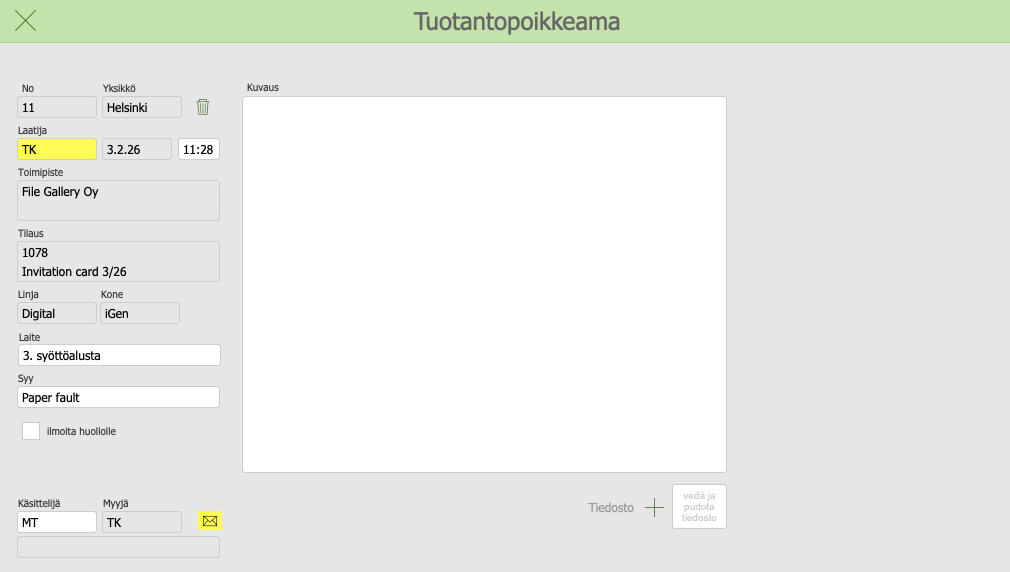
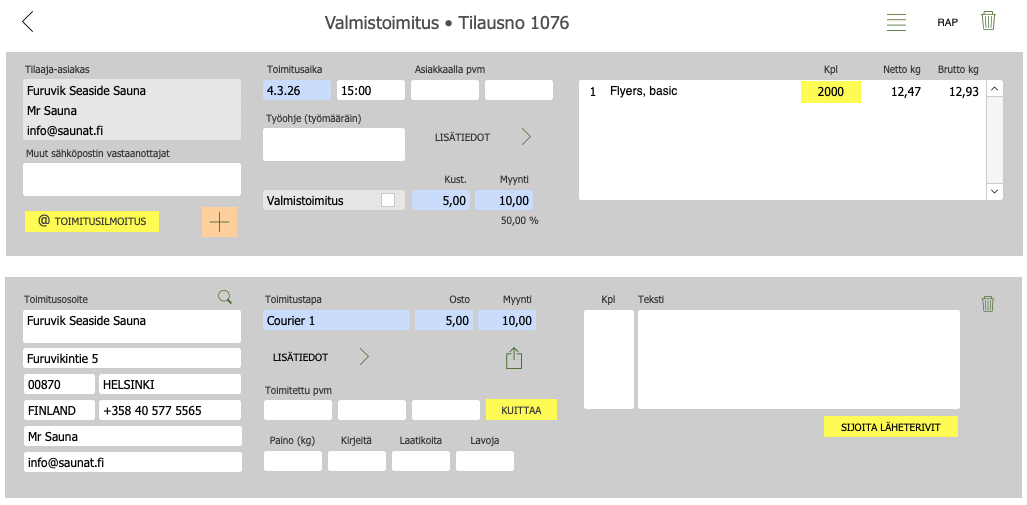
deliveries
Various deliveries
- draft delivery
- sample delivery
- internal delivery
- subcontract delivery
- finished delivery
- shipment
- consolidated shipment
- waybills
- pallet and box labels
- GTIN and SSCC barcodes
- delivery notification directly to the ordering customer
INVOICING
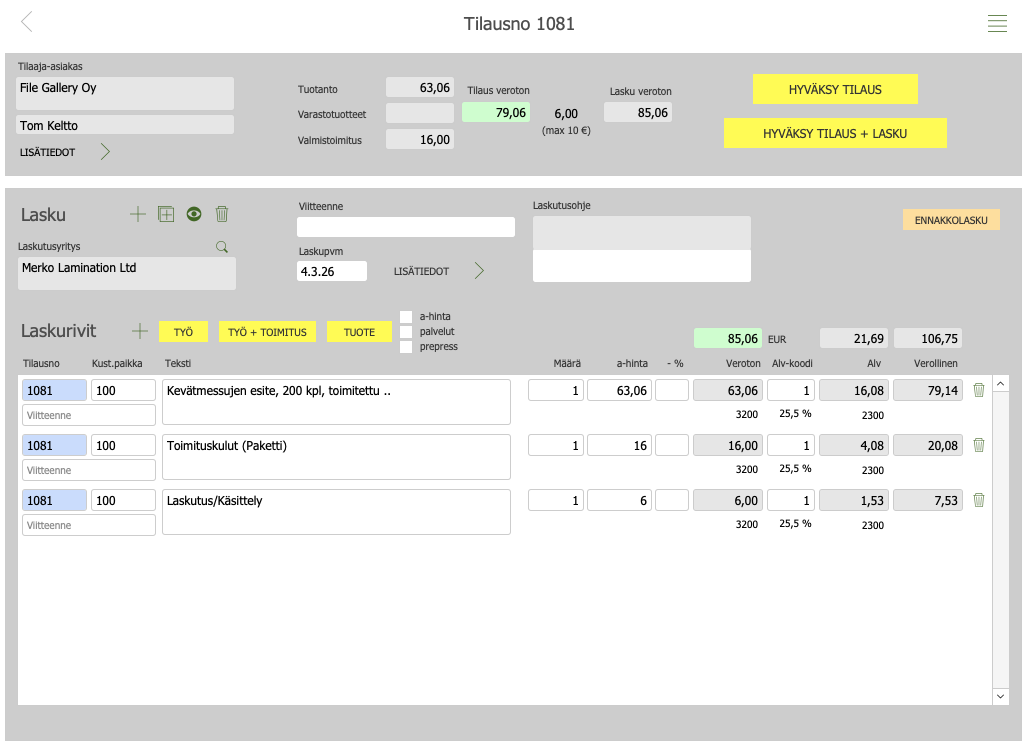
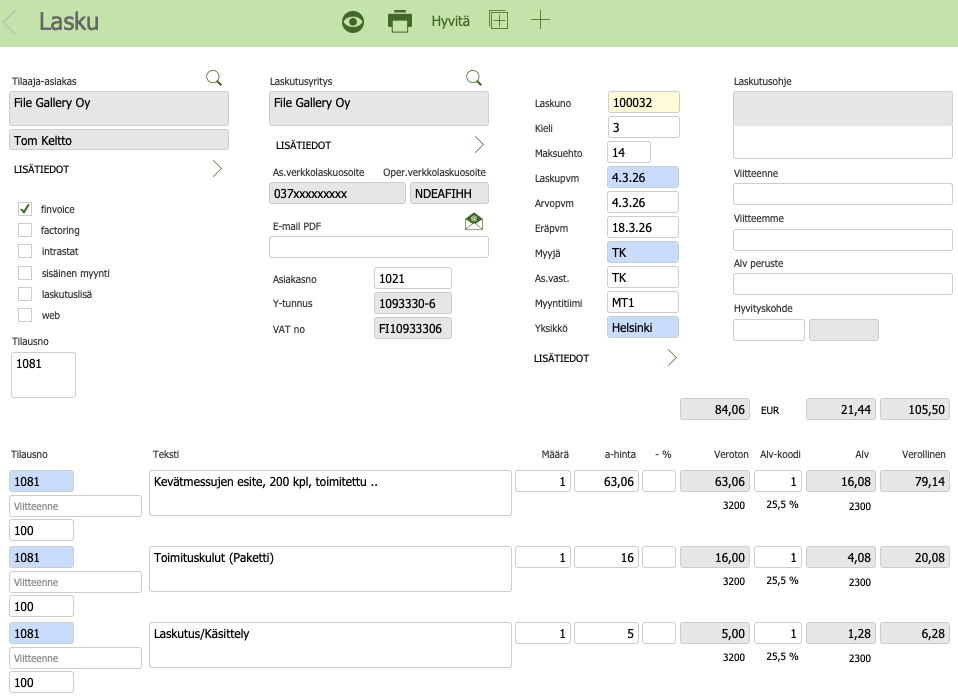
Convenient invoicing
Invoicing is done in Gallery. Invoices are transferred to an external sales ledger (e.g. ProCountor, Netvisor).
- when an order is approved, an invoice is created
- it is possible to make different invoice line proposals
- multiple invoices can be made for one order
- advance invoice
- summary invoice
- credit note
- pdf invoice
- finvoice 3.0
- factoring
- operator transfer (when invoicing is outsourced)
- sales ledger transfer
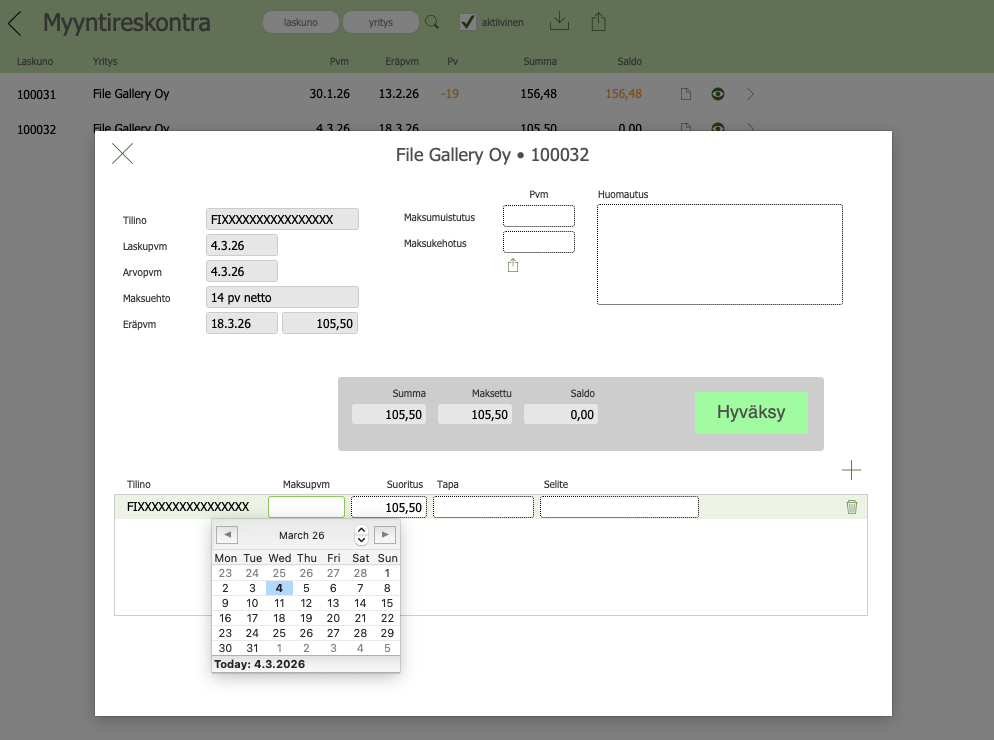
Gallery’s sales ledger
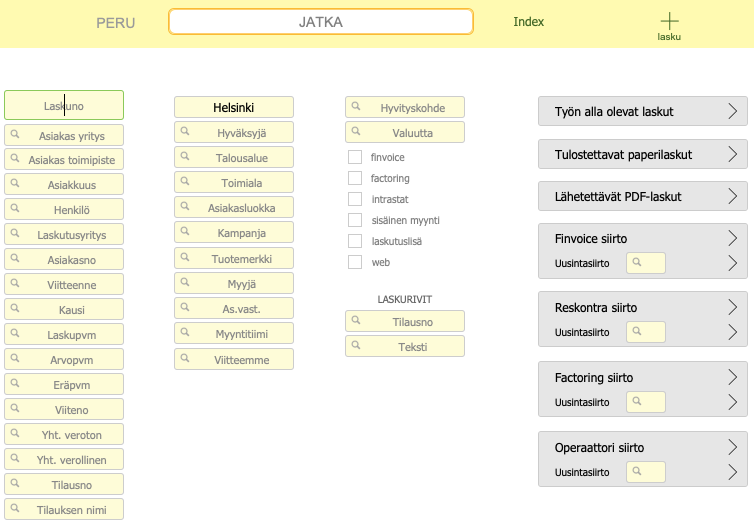
Gallery’s sales ledger is intended for small printing houses.
- incoming reference payments file
- payment reminders
material management
Materials
Materials are defined in the SETTINGS section.
- material groups
- suppliers
- materials
- favorite materials
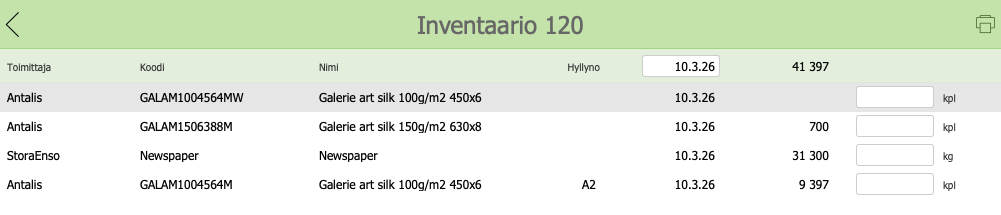
Warehouse
- warehouse locations
- warehouse shelves
- customer finished products
- supplies
- alarm limits
- stock status is updated in real time according to production consumption
- inventory
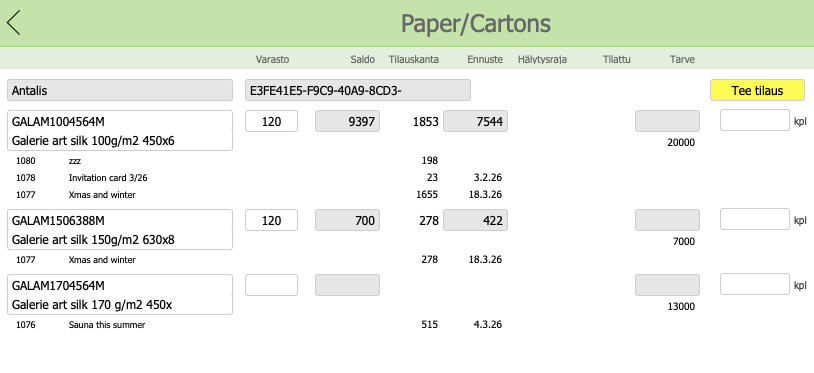
Material orders
- tracking of material needs for open jobs
- material orders
SALES BUDGETS
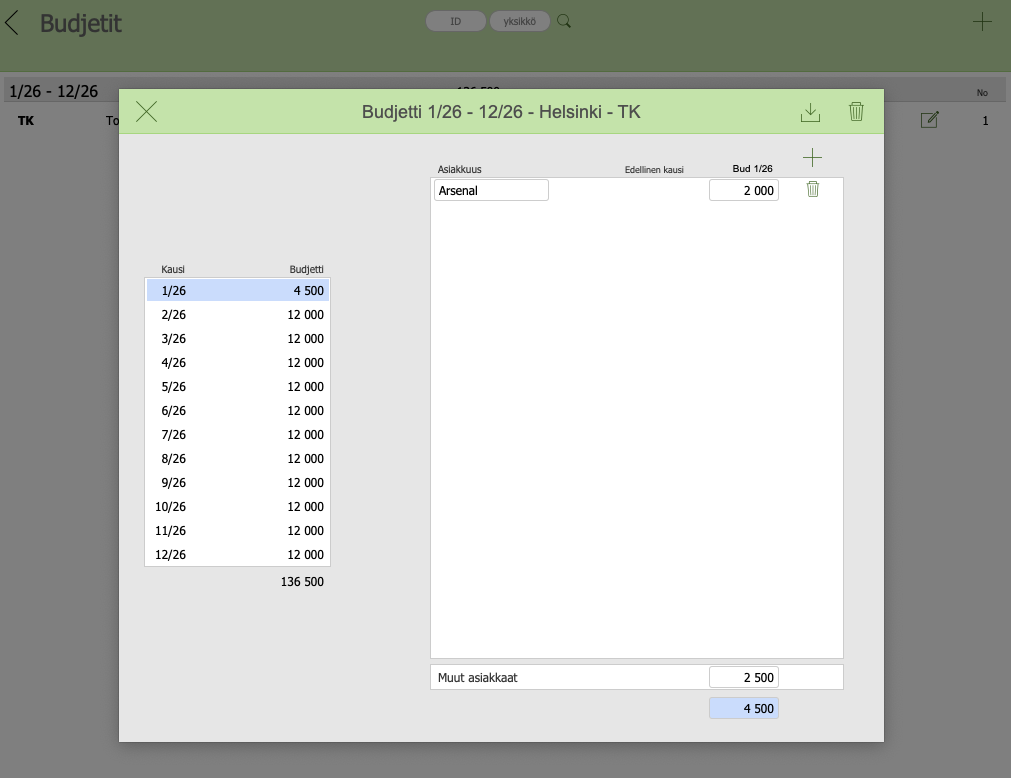
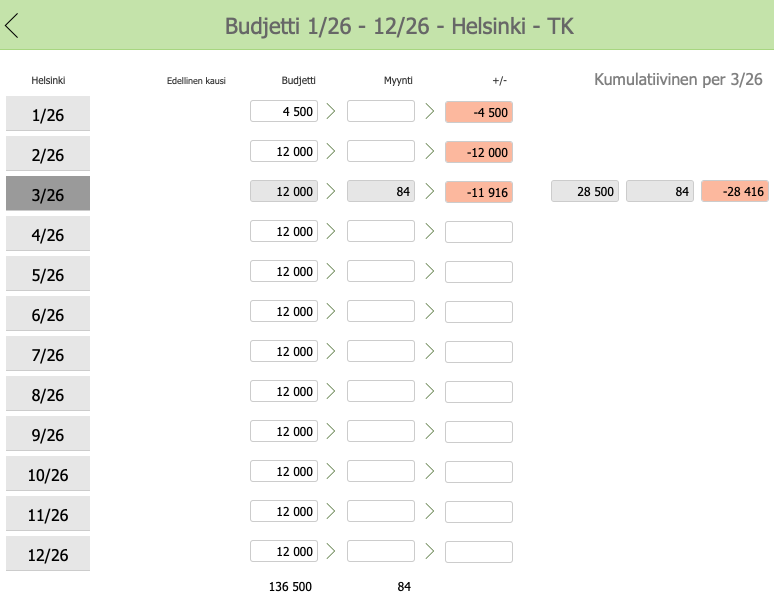
Clear budgets, clear goals
- either for the salesperson, account manager or sales team
- monthly
- cumulative
- clear tool for monitoring sales
|
|
Reports
Reports for everyone’s needs
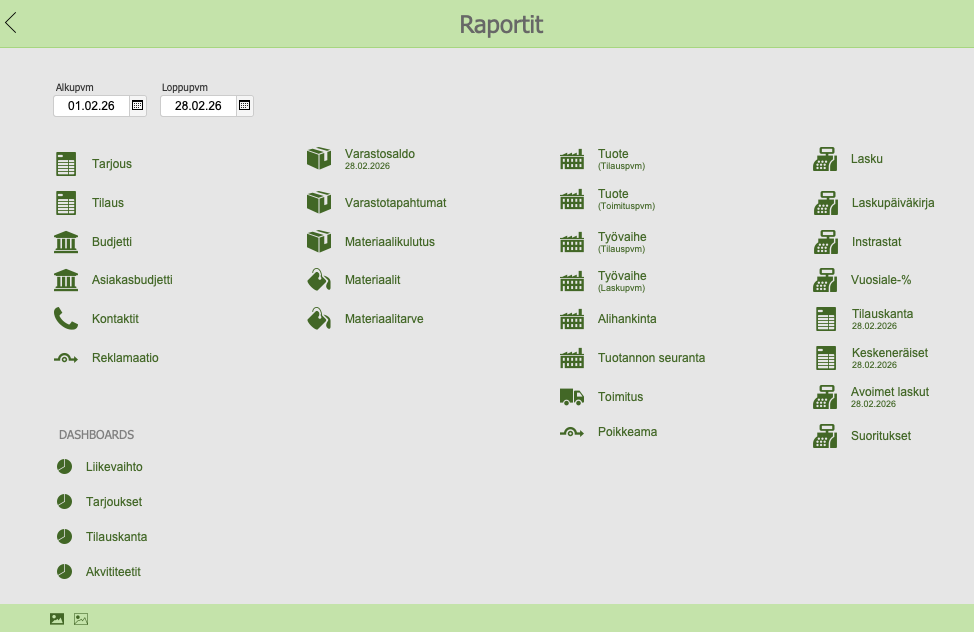
Reports are available from end to end. Reports can be exported to a file, e.g. Excel for analysis.
We build them according to customers’ wishes.
- vendor and customer-specific budget monitoring
- quotation status
- quotation backlog
- order backlog
- work in progress
- product profitability
- work phase profitability
- subcontracting
- deliveries
- deviations
- production monitoring
- stock balances
- stock transactions
- material consumption
- material requirements
- invoicing
- invoice journal
- intrastat
Dashboards are the modern day
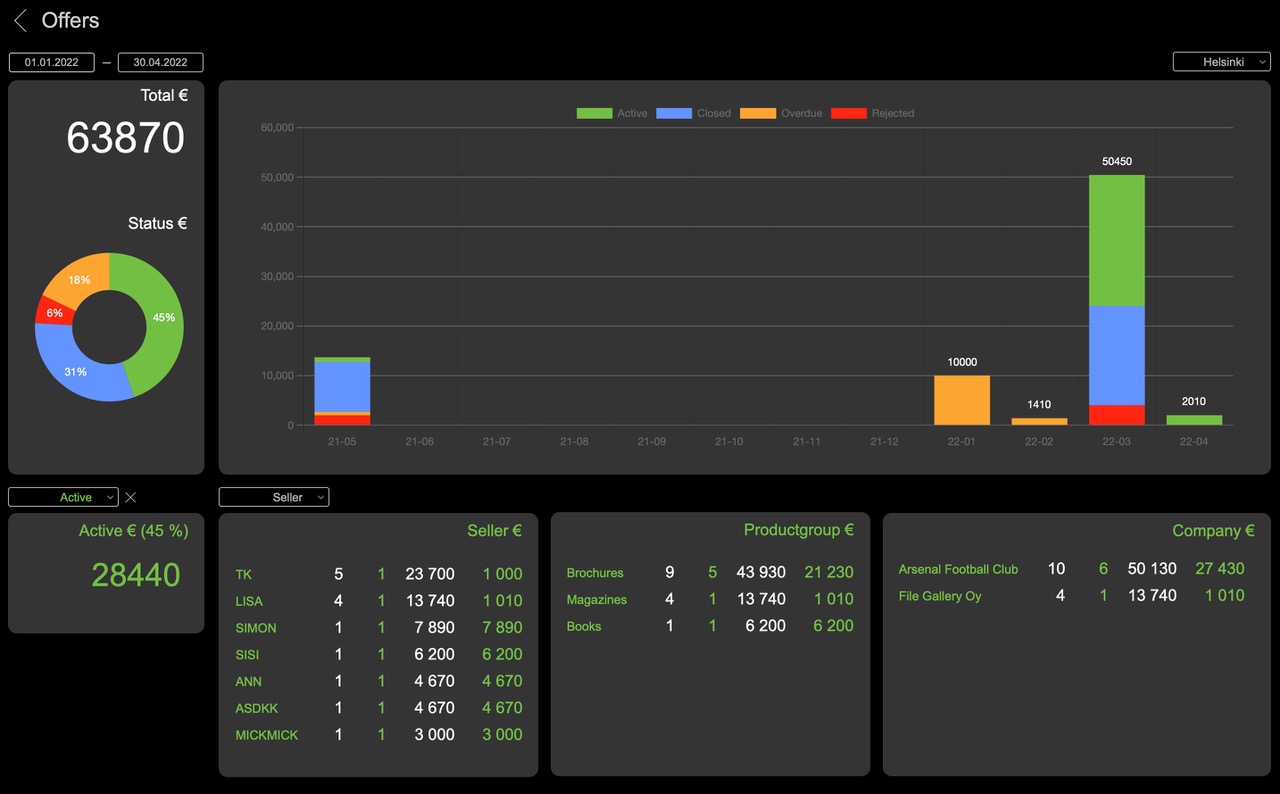
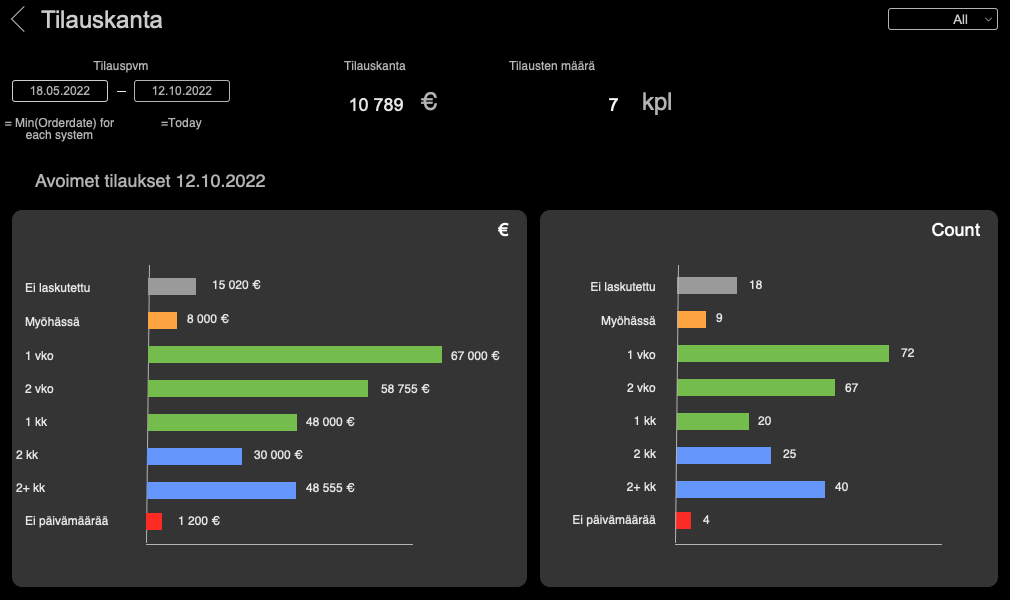
Dashboards are at the forefront of our product development. We strive to develop this area.
- turnover
- quotes
- order backlog
- activities
INTERFACES
There are hundreds of these
Software communicates with each other through various interfaces. The interfaces can be real-time or based on transfer files.
- REST API
- xml -file
- csv -file
We build interfaces as needed.
SETTINGS
Easy-to-use implementation
- own data
- machines
- materials
- subcontracting
- deliveries
- products

Own data
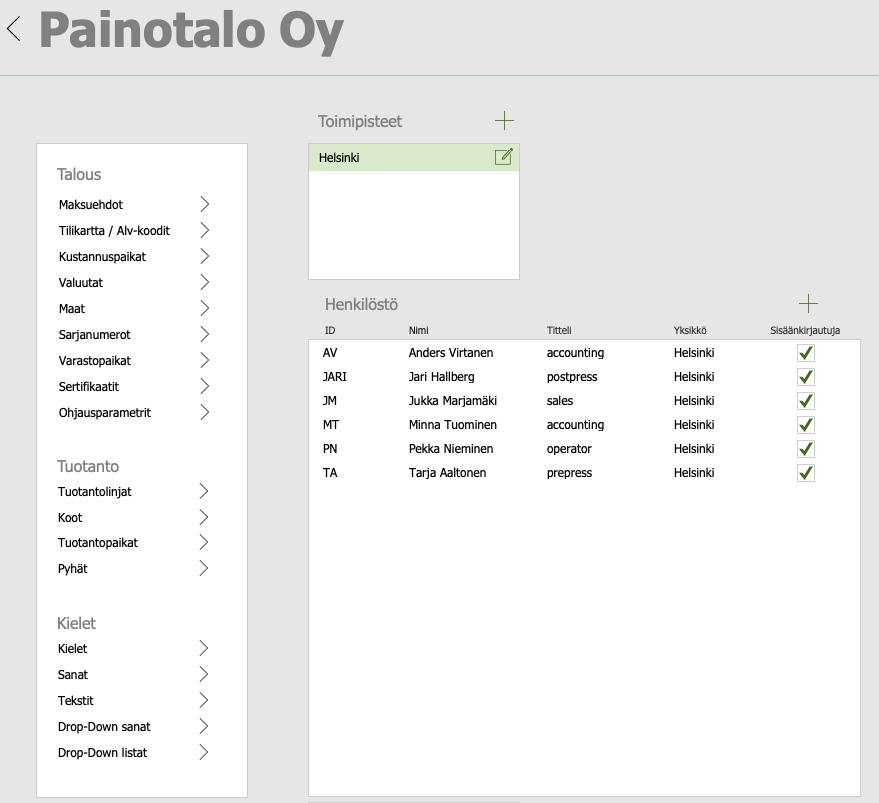
Parameters:
- locations: contact information, printouts, etc.
- personnel: user interface language, user rights, etc.
- finance: payment terms, chart of accounts, etc.
- production: production lines, sizes, production locations, sacred
- languages: words, texts, drop-down words. drop-down lists
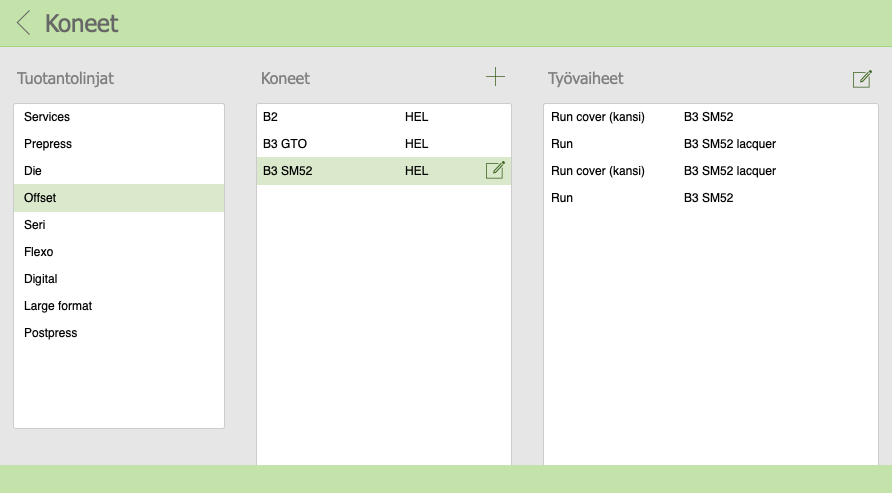
Machines
- technical data
- capacity
- machine work stages
- costs (variable, fixed, investment)
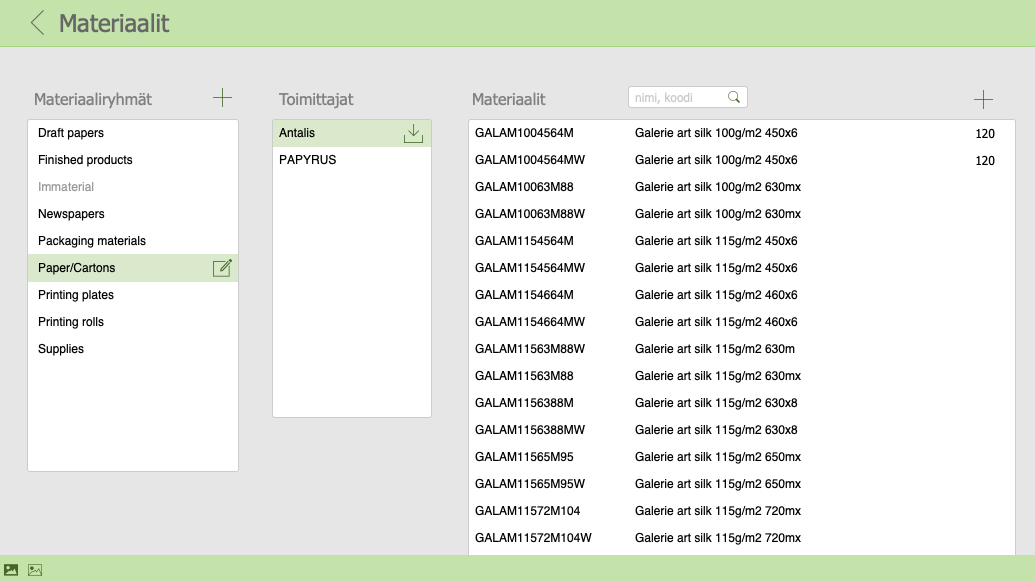
Materials
- material groups
- suppliers
- material items
- favorite materials
- price lists
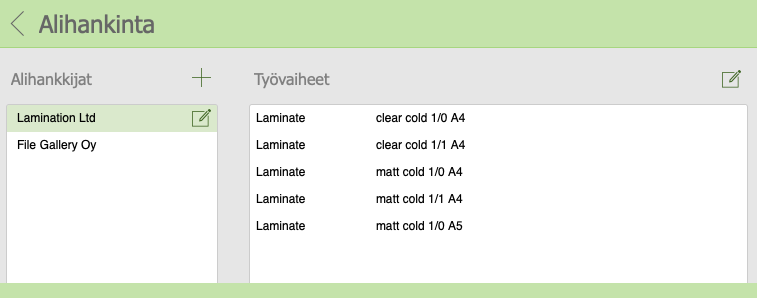
Subcontracting
- subcontractors
- work stages
- costs
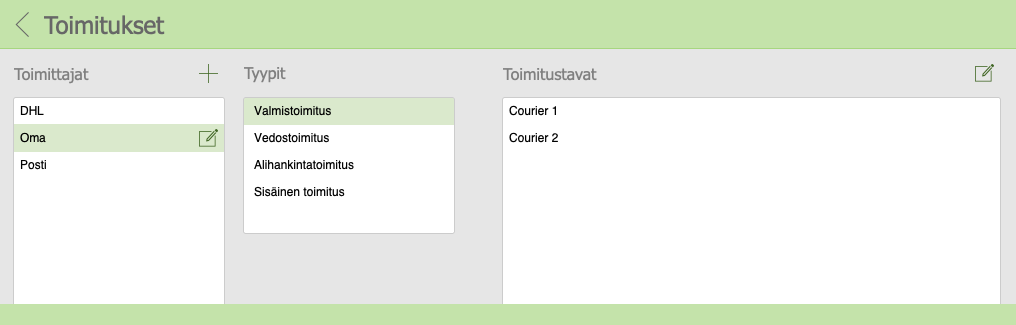
Deliveries
- finished, subcontracted, internal, draft, model
- delivery methods
- costs
Products
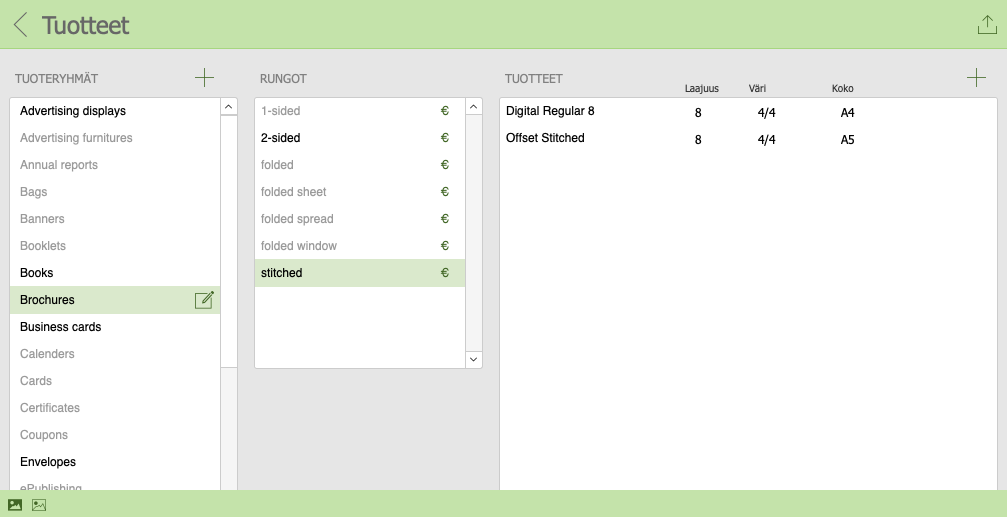
The heart of Gallery, product register
The quick use of Gallery is based on finished products/product frames.
All work stages are defined for a product, which creates a production pipeline for the product.
- product groups
- product frames
- product templates with work stages
- cumulative finished price list
- GTIN
TECH SPECS
Gallery installation
- own server
- cloud server
The customer’s own IT person will handle the installation with the help of the supplier’s guidance.
Our partner Plan A Consulting Oy is responsible for the cloud service.
Server
Hardware requirements
- we recommend a dedicated server
- we recommend an SSD (Solid State Drive)
- CPU: Windows: minimi 4 Core, 8 Core, 16 Core
- RAM: minimi 8 GB, 16 GB, 32 GB
- Hard Drive: 512 GB or more, minimi free space 20 %
Operating system
- Windows Server 2022 Standard Edition or Datacenter (with Desktop Experience)
- Windows Server 2019 Standard Edition or Datacenter (with Desktop Experience)
- macOS Tahoe 26
- macOS Sequoia 15
- Linux Ubuntu 20.04 ja 22.04
Client
Windows
- CPU: Intel or AMD
- RAM: minimi 2 GB, rekommenderas 4 GB eller mer
- Windows 11: Pro Edition, Enterprise Edition (24H2, endast 64-bit)
- Windows 10: Pro Edition, Enterprise Edition (22H2, endast 64-bit)
Mac
- CPU: Intel/Apple Silicon M1, M2 tai M3
- RAM: minimi 4 GB , rekommenderas 8 GB eller mer
- macOS Tahoe 26
- macOS Sequoia 15
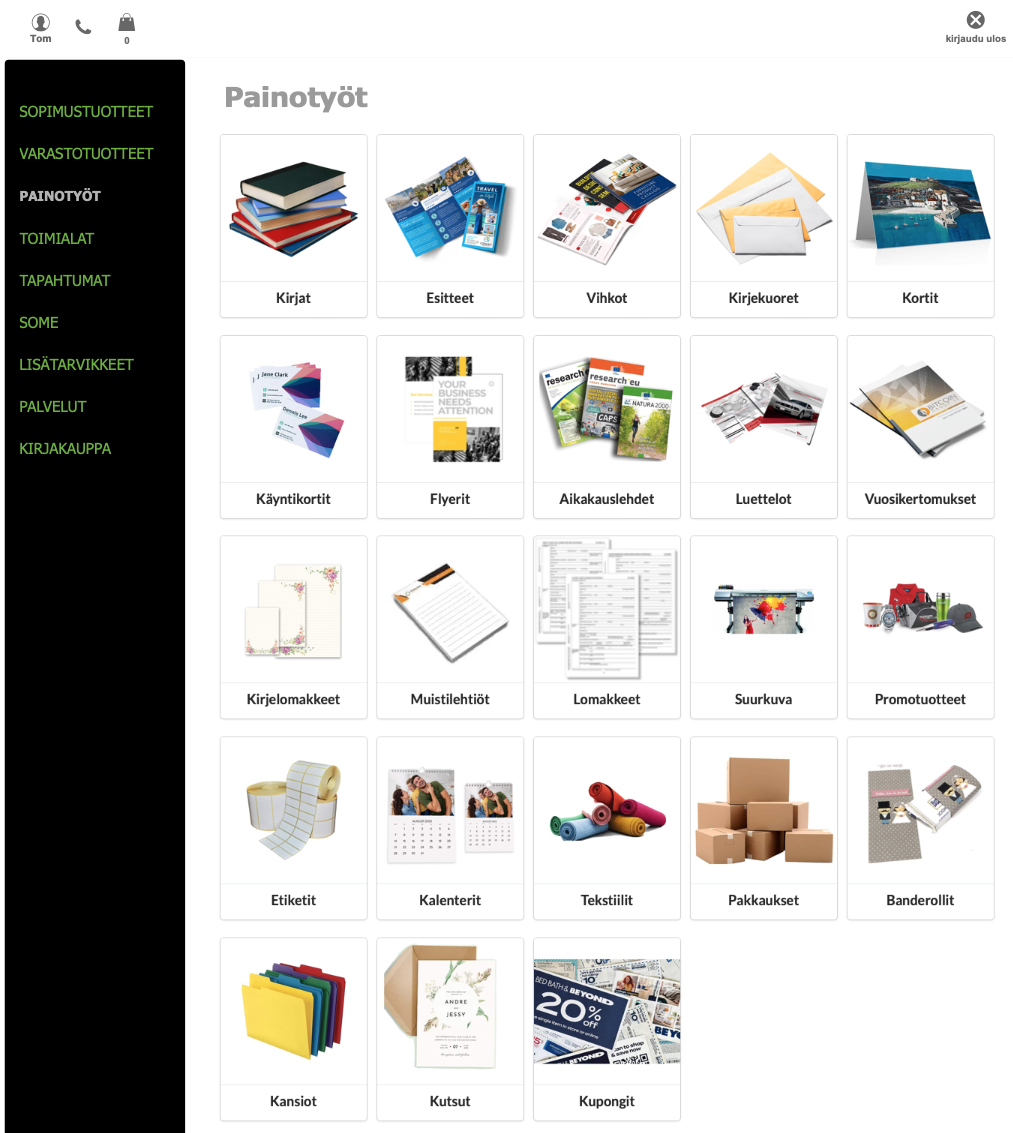
WEB GALLERY – WEB SHOP
Gallery ERP at its core
- contract products
- stock products
- printing jobs
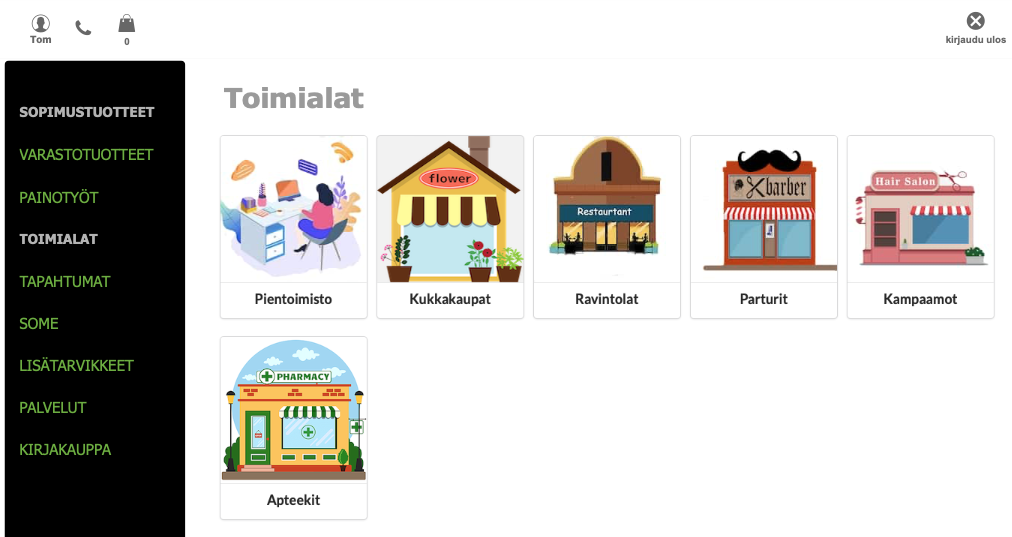
- industry-specific
- event-specific
- social media
- accessories
- services
- bookstore
|
|